

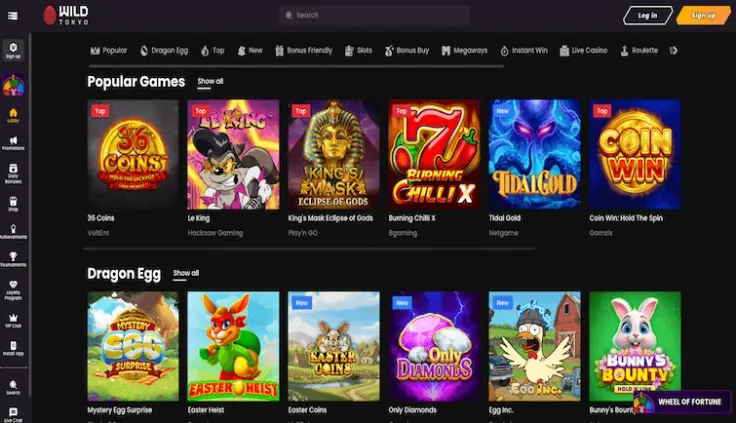
Wild Tokyo has no Android app, so on an Android phone you play through the mobile site in your browser. The table above shows the same picture: no iPhone app, no Android app and a mobile site that works.
That makes this page short on installation and long on practicalities. If you already have an account, go to log in; if you are new, the sign-up guide covers registration, and the welcome bonus page shows the terms of the introductory offer. T&Cs apply.
What you get on an Android phone
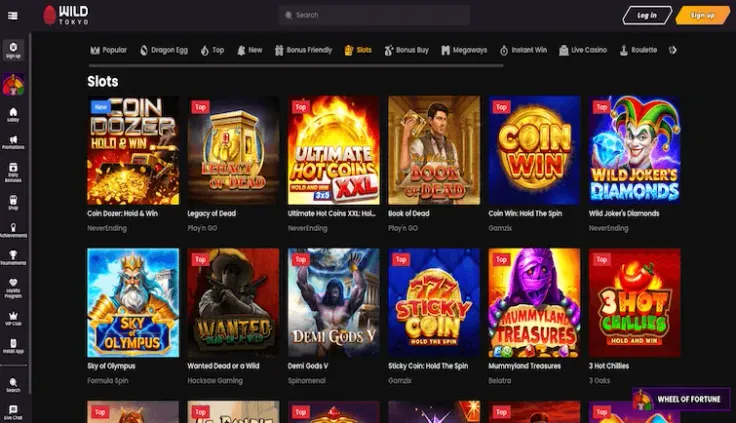
With no app, everything you do runs through the browser. You reach the casino, log in or register, browse the games and play in the same browser. Live casino games are part of the range at Wild Tokyo, so an Android phone is not limited to slots.
The result depends on your phone and your browser rather than on any software from Wild Tokyo. A few practical points follow from that:
- A phone screen shows less at once, so a game's rules and paytable take more scrolling to read. Read them before you start.
- Live games stream video. As general advice, they ask more of your connection than a slot does.
- Taps are easy to get wrong on a small screen. Check the amount and the payment method before you confirm a payment.
- An out-of-date browser can display pages badly. Keep it updated.
The mobile version page covers the browser route in more detail, and the deposit guide and the withdrawal guide cover the payments side.
No Android app, and what to do instead

Wild Tokyo has no Android app, so there is no app to look for. The app overview explains the same point for every platform, and the iPhone app page covers the other phone platform.
Do not install anything that presents itself as a Wild Tokyo app. An installation file sent in a message, offered in an advertisement or found on an unfamiliar website does not come from the casino, and files from unknown sources are a common route for stolen logins and unwanted software. If something asks you to change your phone's security settings to install it, stop.
What you do get is a mobile site that you open like any other. For one-tap access, the browser's Add to Home screen option places a shortcut on your home screen, as the steps above show. It opens the site in one tap, but it is still your browser doing the work, so browser updates and a stable connection still matter. If a page looks wrong or a game will not load, close the tab and reopen the site, or try another browser on the same phone.
Keeping your account secure on Android

Set a passcode, pattern or biometric lock on the phone, keep the screen lock time short and do not let anyone else use the device while you are logged in. Log out when you finish, particularly on a shared phone.
Treat your password like a bank PIN. Enter it only on the Wild Tokyo website that you opened yourself, never on a page reached through a message or an advertisement, and do not save it on a phone that others use. Mobile data on your own plan is safer than public Wi-Fi for logins and payments.
Because a phone makes it quick to deposit, decide your limits before you open the site. If the account offers deposit limits or time-outs, set them while you are calm and keep them in place. Play only with money you can afford to lose.