

What Wild Tokyo offers on a phone

Playing on a phone at Wild Tokyo means using the mobile site through a browser. There is no app to find, install or update, so the question that matters is not which store to use but how to keep a browser session smooth and secure. The mobile version page covers exactly that: what you can do in the browser, what to check before you play and how to keep your account protected on a handset.
Live casino games are part of the range at Wild Tokyo, so a phone is not limited to slots. Live games stream video, and as general advice they ask more of your connection than a slot does. A stable signal and an up-to-date browser matter more than anything else you can change.
The platform pages exist for readers who arrive with a specific expectation. The iPhone app page answers the reader who expects an App Store listing, and the Android app page answers the reader who expects an app for an Android phone. Each page states what is and is not available on that platform and points back to the browser route.
The mobile site is the one version of Wild Tokyo for phones, so anything that depends on the account, such as logging in, registering, paying in or taking an offer, is explained on the same guides that apply on a computer. The difference on a phone is the screen: it shows less at once, taps are easier to get wrong and a call or a notification can interrupt a payment. Slow down at the points that involve money, read the amount on the confirmation before you approve it and keep the phone out of other people's hands.
How the three pages differ

Because there is no native app, the three pages do not describe three different products. They describe one route, the mobile site, from three starting points.
The mobile version page is the general one. It covers the browser route for any phone, and it is the page to read if you are not sure which platform page applies to you.
The iPhone app page is for readers on an iPhone who expect an app. It explains that none exists, and it covers the browser route from the point of view of an iPhone user.
The Android app page does the same for readers on an Android phone. It also explains why an app that claims to be from Wild Tokyo should not be installed.
The platform pages also differ in what they warn about. An app that appears in a store under the Wild Tokyo name or a similar one is not the casino's own. Each platform page says this in the terms that suit that platform.
What does not differ is what you do afterwards. You reach the mobile site, log in or register, and the same account guides apply whatever phone you hold. The login guide and the sign-up guide cover those steps.
18+ · T&Cs apply
Where to start
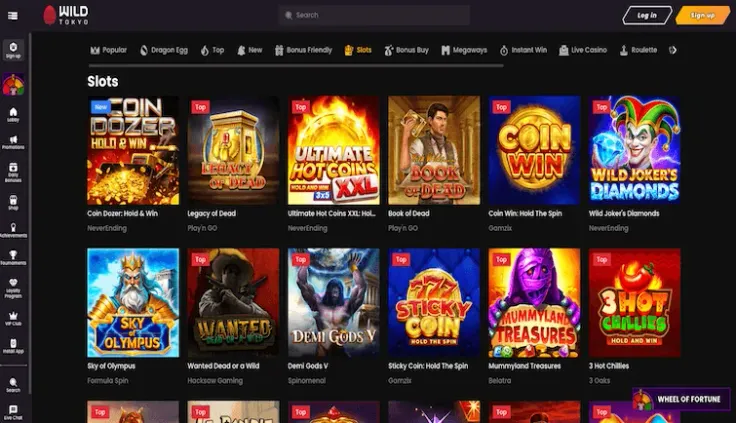
Start with the platform you use. If you are on an iPhone, read the iPhone page; if you are on an Android phone, read the Android page; if you are unsure, read the mobile version page. All three lead to the same route.
The choice is not between an app and a website, because only one of them exists. It is between reading a general page and reading a page that speaks to your handset, and either way the route ends in the same place.
Then check the practical points before you play. Make sure your browser is up to date, that your connection is stable and that your phone is locked with a passcode or a biometric. If you do not have an account yet, register first, since the steps are covered in the sign-up guide linked above, and only then think about playing.
Practical tips for playing on a phone
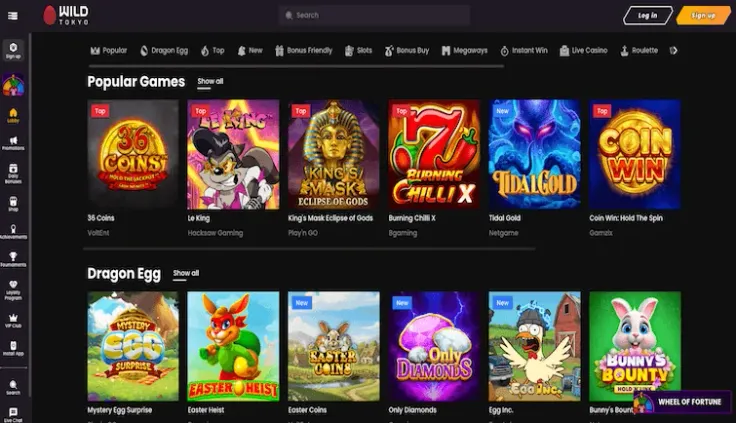
Do not install any app that uses the Wild Tokyo name, whatever its source, and do not follow a link in a message or an advertisement to an installation. Enter your password only on the Wild Tokyo website that you opened yourself, and keep it out of any message that you send or receive. A password saved in a browser on a phone that others use is a risk, so use the lock screen and log out when you finish.
On mobile data you are on your own connection, which is safer than public Wi-Fi for logins and payments. A phone makes it quick to deposit, so decide your limits before you open the site. If the account offers deposit limits or time-outs, set them while you are calm and keep them in place. Play only with money you can afford to lose.